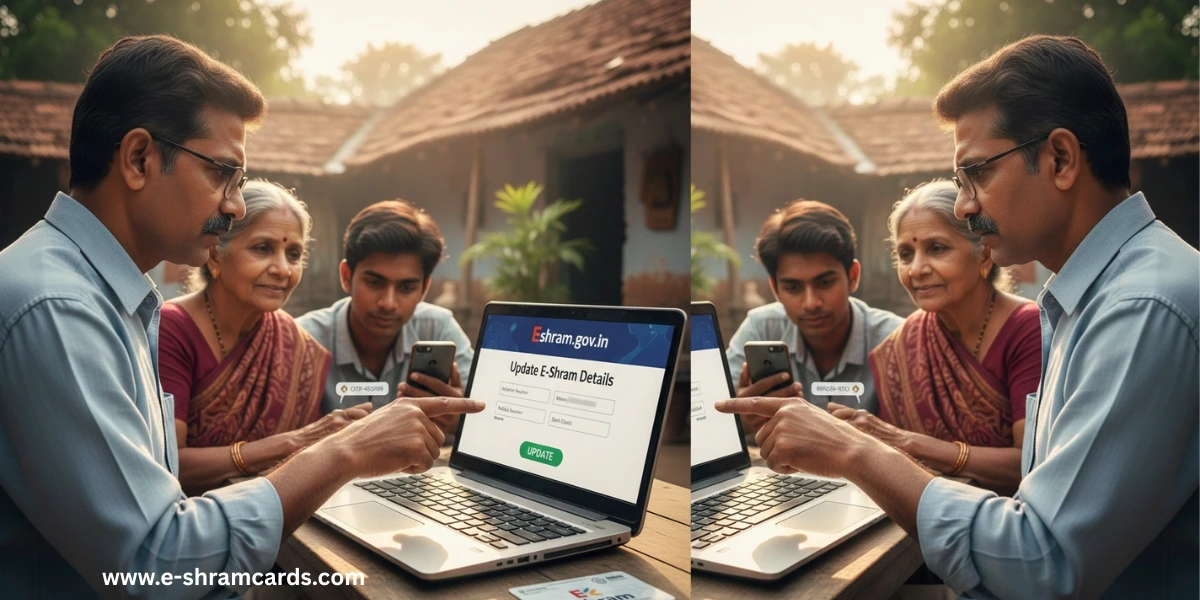
How to Update or Correct Details in Your E Shram Card Profile
The Eshram card is one of the most important documents for workers in India’s unorganized sector. It serves as a digital identity that helps the government provide financial aid, insurance, and social security benefits directly to those who need them most. However, the value of this card depends entirely on the accuracy of the information printed on it. If your details are wrong, you might miss out on vital government payments or news about new welfare schemes.
Whether you have changed your home, got a new phone number, or noticed a small typo in your name, keeping your profile updated is essential. This article will guide you through everything you need to know about making these changes quickly and easily. Download your Download E-Shram Card by Mobile Number
When Should You Update Your Details?
You do not need to update your card every month, but there are specific moments when a change is necessary. You should refresh your Eshram profile if any of the following situations apply to you:
- New Contact Info: You have started using a new mobile number.
- Relocation: You have moved from your village to a city or shifted to a new house.
- Banking Changes: You have closed an old bank account or opened a new one where you wish to receive government money.
- Error Correction: You realized your name, father’s name, or date of birth was spelled incorrectly during the first registration.
- Work Updates: You have learned a new skill or changed your profession (for example, moving from construction work to driving).
- Additional Skills: You want to list more categories of work to increase your chances of getting specific benefits.
What You Need Before Making Changes
Before you sit down to update your profile online, gather these items to save time:

- Aadhaar Number: Your 12-digit unique identity number.
- Linked Mobile Number: The phone number connected to your Aadhaar card. This is vital because you will receive a security code (OTP) on this phone.
- Bank Account Details: Your IFSC code and account number (only if you are changing bank info).
- UAN Number: The Universal Account Number found on your existing Eshram card.
Step-by-Step Guide to Update E shram Card Details
Updating your profile is a simple process that can be done from a computer or even a smartphone. Follow these steps:
1. Visit the Official E shram Portal
Open your web browser and go to the official website: eshram.gov.in. This is the only legitimate place to manage your worker profile.

2. Locate the Update Option
On the main page, look for a button or link that says “Already Registered? Update.” Clicking this will take you to the login section.

3. Log In to Your Profile
You will be asked to enter your UAN (Universal Account Number) and your date of birth. Alternatively, you can log in using your Aadhaar-linked mobile number.
4. Identity Verification (OTP)
To ensure that no one else changes your data, the system will send a One-Time Password (OTP) to your mobile phone. Type this code into the box on the screen and click “Submit.”
5. Choose What to Edit
Once logged in, you will see a dashboard with two main options: “Update Profile” or “Download UAN Card.” Choose “Update Profile.” You can now select specific sections like:
- Personal Information
- Address
- Bank Account Details
- Occupation and Skills
Carefully type in the new information. Double-check every letter and number to ensure there are no mistakes this time.
6. Save and Download
After making the changes, click on the “Update” or “Save” button. The system will refresh your records. You can then download a fresh version of your Eshram card with the corrected details.
What If You Face Issues?
Not everyone is comfortable using the internet, and sometimes technology fails. If you cannot receive the OTP or if the website feels too complicated, do not worry. You can visit the nearest Common Service Centre (CSC).
The staff at these centers are trained to help workers with government registrations. They can update your photo, change your mobile number, or fix errors for a very small service fee. This is a great option if your mobile number is not yet linked to your Aadhaar card.

One Comment