How to Download E-Shram Card by Mobile Number
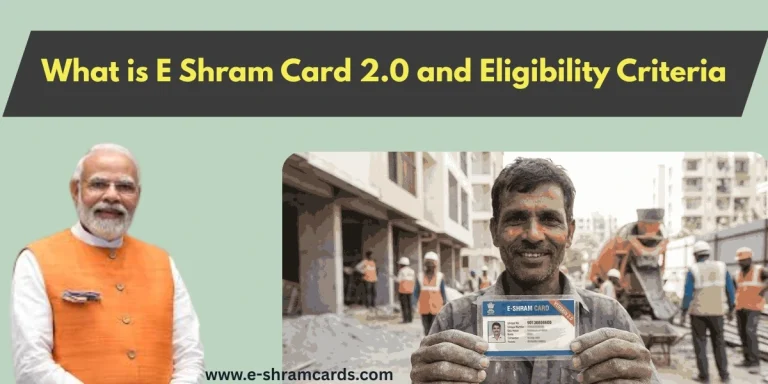
The e-Shram card, issued by the Ministry of Labour and Employment, is a vital document for unorganized workers in India. It provides a unique 12-digit Universal Account Number (UAN) and opens doors to various social security schemes and financial assistance. If you have lost your physical card or need a digital copy, you can easily download it using your Aadhaar-linked mobile number. Check E Shram card benefit in Hindi
Requirements for E Shram Download
Before starting the process, ensure you have the following:
- Aadhaar-linked Mobile Number: You must have access to the phone number registered with your Aadhaar to receive an OTP.
- Aadhaar Number: Your 12-digit identity number.
- Stable Internet Connection: To access the official portal without interruptions.
Download e-Shram Card Step-by-Step Process
Follow these simple steps to get your digital UAN card on your mobile or computer.
Step 1: Visit the Official e-Shram Portal

Open your mobile browser and go to the official website: eshram.gov.in.
Step 2: Navigate to Already Registered
On the homepage, look for the “Already Registered?” section. Click on the “Update” link. This will redirect you to the self-registration/login page.

Step 3: Enter Mobile Number & Captcha
- Enter your Aadhaar-linked mobile number.
- Type the Captcha code exactly as shown on the screen.
- Click on the “Send OTP” button.
Step 4: Verify with OTP

You will receive a 6-digit One-Time Password (OTP) on your mobile. Enter the OTP in the box and click “Submit.”
Step 5: Enter Aadhaar Details
On the next screen, enter your 12-digit Aadhaar number. Select the “OTP” authentication method, solve the captcha, and click “Submit.” (Note: Another OTP will be sent to your mobile for Aadhaar verification).
Step 6: Access Dashboard
Once verified, you will see two main options:
- Update Profile
- Download UAN Card
Click on the “Download UAN Card” button.
Step 7: Save as PDF
Your e-Shram card will appear on the screen. Click the “Download” button at the top right to save it as a PDF file on your device. You can now print this card or keep the digital copy for future use.
Alternative Methods for Download Shramik Card
If you cannot access the website, you can also use these official government apps:
- UMANG App: Search for “e-Shram” within the app, log in with your mobile number, and download the card.
- DigiLocker: Search for “Ministry of Labour” under the “Issued Documents” section and link your UAN card using your Aadhaar.
Benefits of the e-Shram Card
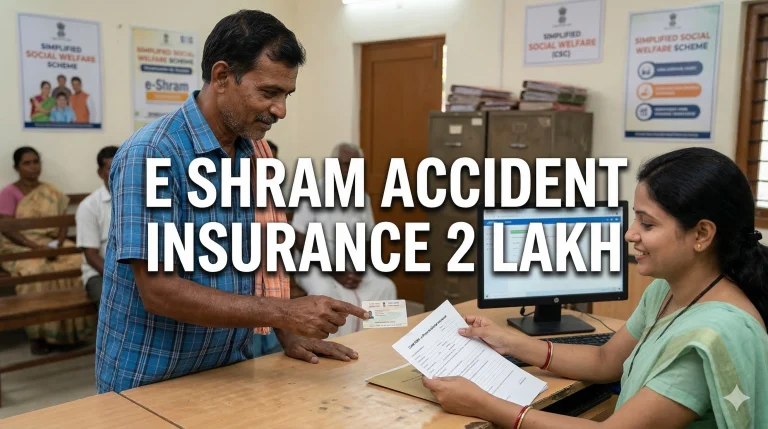
- Accident Insurance: Coverage of ₹2 Lakh under PMSBY.
- Social Security: Eligibility for future pension and welfare schemes.
- Employment: Access to job opportunities and skill training through government portals.
Note: The e-Shram card is valid for a lifetime and does not require renewal. However, workers are encouraged to update their address or skill details once a year if they change.

One Comment