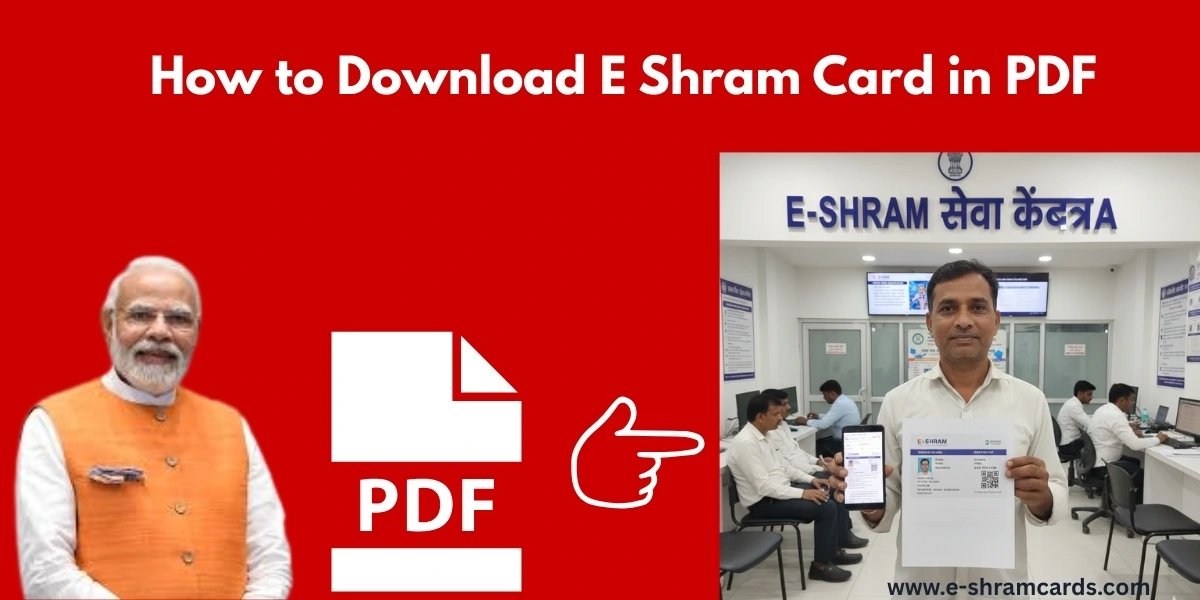
E Shram Card Download PDF – Everything You Need to Know
In today’s digital world, the government is making it easier for workers in the unorganized sector to access benefits through the E-Shram portal. If you are a laborer, farmer, or a home-based worker, having your E-Shram card is essential. One of the most common questions workers have is: “How can I download my E-Shram card as a PDF?
This article will guide you through the entire process in simple steps, ensuring you can save your card on your phone or computer.
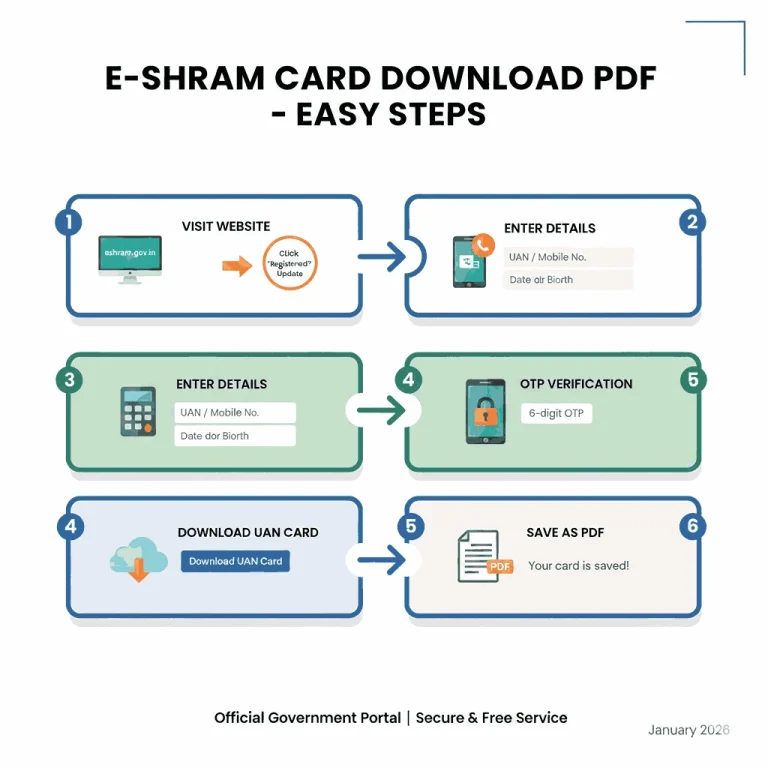
Step-by-Step Guide to E-Shram Card Download PDF
You don’t need to visit an office or pay a middleman to get your card. You can do it yourself using the official portal. Follow these easy steps to get your PDF card.
1. Visit the Official Website
Open your web browser and go to the official E-Shram portal: eshram.gov.in.

2. Click on Already Registered?
On the homepage, look for the section that says “Already Registered?”. Under this, click on the “Update” link. This will take you to a login page.
3. Enter Your UAN Number or Mobile Number
You have two ways to log in:
- Using UAN: Enter your 12-digit UAN number and your date of birth.
- Using Aadhaar-linked Mobile: If you don’t remember your UAN, enter the mobile number linked to your Aadhaar card and the Captcha code.
4. Verification via OTP
Once you enter your details, click on “Send OTP.” You will receive a 6-digit code on your mobile phone. Type this code into the box on the website and click “Submit.”

5. Choose Download UAN Card
After logging in, you will see two main options:
- Update Profile (to change your address or bank details).
- Download UAN Card. Click on the Download UAN Card button.
6. Save as PDF
Your digital E-Shram card will appear on the screen. Look for the button that says “Download UAN Card” at the top right corner. Once you click it, the file will automatically save to your device as a PDF.

Read Also: e-shram card accident insurance 2 lakh
Essential Requirements for Download
To ensure a smooth download process, make sure you have the following ready:
- Aadhaar Card Number: Linked to your profile.
- Mobile Phone: The one linked to your Aadhaar for receiving the OTP.
- Internet Connection: A stable connection to avoid errors during the PDF generation.
Benefits of Downloading the PDF Version
While you might receive a physical card, having a PDF copy on your mobile device is very helpful because:
- Easy Access: You can show it anywhere without carrying a physical wallet.
- Safety: You won’t lose it. Even if the paper card gets damaged, the PDF is safe.
- Easy Printing: You can print a new copy whenever you need one.
What is an E-Shram Card?
The E-Shram card is a digital identity provided by the Ministry of Labour and Employment. It contains a unique 12-digit Universal Account Number (UAN). This card helps the government track workers in the unorganized sector to provide them with social security schemes, insurance, and financial aid during emergencies.
Conclusion
The E-Shram card is a powerful tool for workers to secure their future. By following the steps above, you can easily manage your registration and keep your E-Shram card PDF ready on your device. This ensures that you never miss out on any government benefits or financial assistance meant for you.
Pro Tip: Once you download the PDF, send it to your own email or save it in Google Drive. This way, you can access it even if you switch phones.
Frequently Asked Questions (FAQs)
Q1: Is there a fee for downloading the E-Shram card PDF?
No, the service is completely free on the official government portal.
Q2: Can I download my card if I lost my registered mobile number?
If you lost your mobile number, you should visit the nearest CSC (Common Service Centre). They can help you update your number using your fingerprint (Biometrics).
Q3: Is the PDF version valid for government schemes?
Yes, the PDF version is just as valid as the physical card. You can show it at any government office.

2 Comments