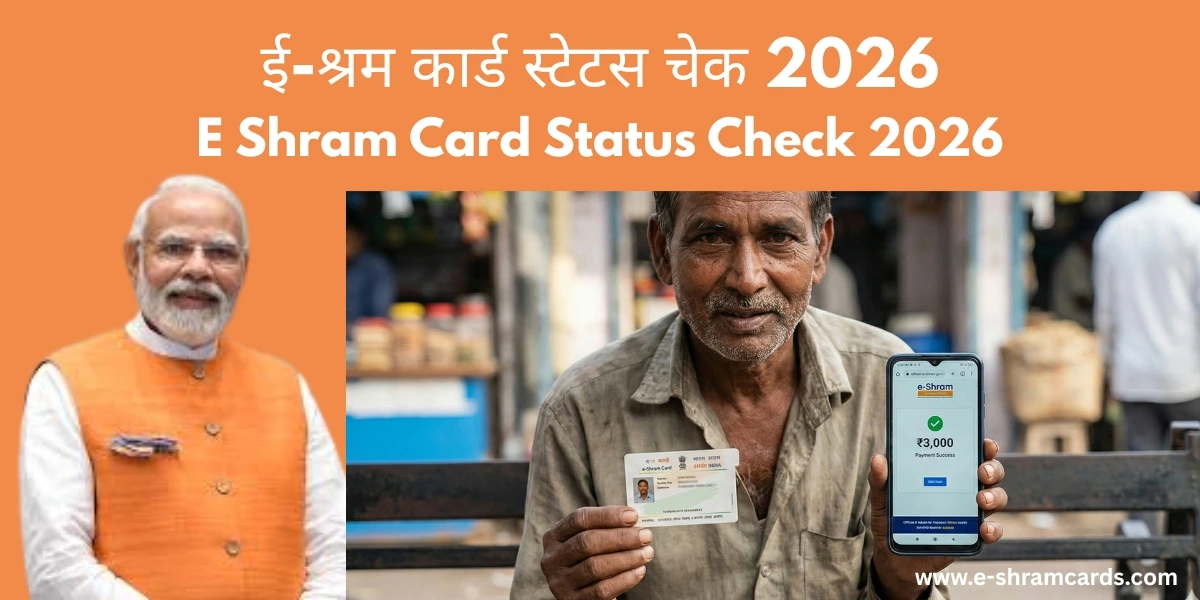
E Shram Card Status Check 2026 | Track Your Money and Card in Easy Way
Have you already signed up for the e-Shram card? That is great news. But now you might be asking: “Is my card ready?” or “When will the government send money to my bank?”. Check E Shram Card benefits in 2026.
In 2026, checking your e shram card status is very easy. You don’t need to visit any big offices. You can do it from your home using just your mobile phone. In this article, we will show you exactly how to do an e shram card status check by mobile number in a few simple steps.
Why Should You Check Your E Shram Status?
Checking your status helps you find out two important things:
- Card Status: To see if your 12-digit UAN card is approved and ready to download.
- Payment Status: To see if the government has sent any maintenance allowance or benefit money to your linked bank account.
Method 1: E Shram Card Status Check by Mobile Number (2026 Guide)
This is the fastest way to track your card. Follow these 5 easy steps:
If everything is correct, you will see a green message saying your card is “Active” or “Approved.”.
Method 2: Check Status Using the New e-Shram App
In 2026, the government launched a brand-new e-Shram Mobile App. It makes tracking your benefits even easier than the website.
Method 3: Check via the 14434 Helpline
If you don’t have internet or a smartphone, don’t worry! You can still check your e shram card status by making a phone call.
Common Status Messages
When you check your status, you might see these words. Here is what they mean in simple English:
| Status Message | What it Means |
| Approved / Active | Your card is ready! You can download the PDF now. |
| Pending / Under Process | The government is still checking your papers. Please wait for 2-3 days. |
| Rejected | There was a mistake in your form (like a wrong bank number). You need to “Update” your profile. |
| Payment Success | The money has been sent to your bank account. |
What to do if Your Status shows “₹0 Balance” or “Pending”?
Sometimes, users see that their e shram card balance is zero. Do not be afraid! This usually happens for two reasons:
- No Recent Payout: The government sends money in batches. If there is no new scheme or emergency help active right now, your balance will show zero.
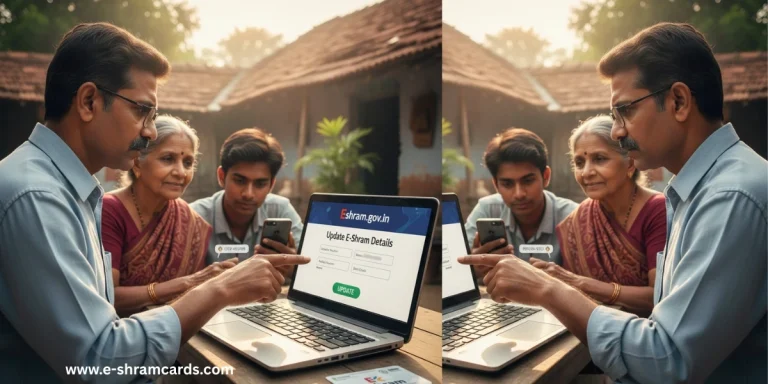
- KYC Update Needed: If your Aadhaar or bank details are old, the money cannot reach you. Go to the “Update Profile” section and make sure your bank’s IFSC code is correct.
Conclusion
Checking your e-Shram card status in 2026 is the best way to make sure you don’t miss out on free insurance or pension money. If your status is “Approved,” go ahead and download your card PDF today. If there is a mistake, fix it quickly so the government can send you the help you deserve.
Frequently Asked Questions (FAQ)
1. How can I check my e-Shram card status by Aadhaar number?
You can do this by visiting the official portal and logging in. After the mobile OTP, the system will ask for your 12-digit Aadhaar number to show your full profile and status.
2. Can I check my status on the UMANG App?
Yes! Search for “e-Shram” inside the UMANG App. You can see your card, your UAN details, and even check if your insurance is active.
3. I lost my mobile number. How do I check my status?
If you don’t have your old mobile number, you must visit a Common Service Centre (CSC). They will use your fingerprint to log you in and check your status for you.
4. How to check your name in the e-Shram card list?
Log in to the official portal (eshram.gov.in) using your mobile number and OTP. If your profile and UAN card details appear on the dashboard, your name is officially on the list.
5. How to check worker registration status?
Visit the e-Shram website and click “Already Registered? Update” to log in with your mobile and OTP. Your dashboard will instantly show if your status is Active, Pending, or Rejected.